For organizers
Run the Sharyat with your team, from registration to prizes. Everyone at the ground follows it on their phone.

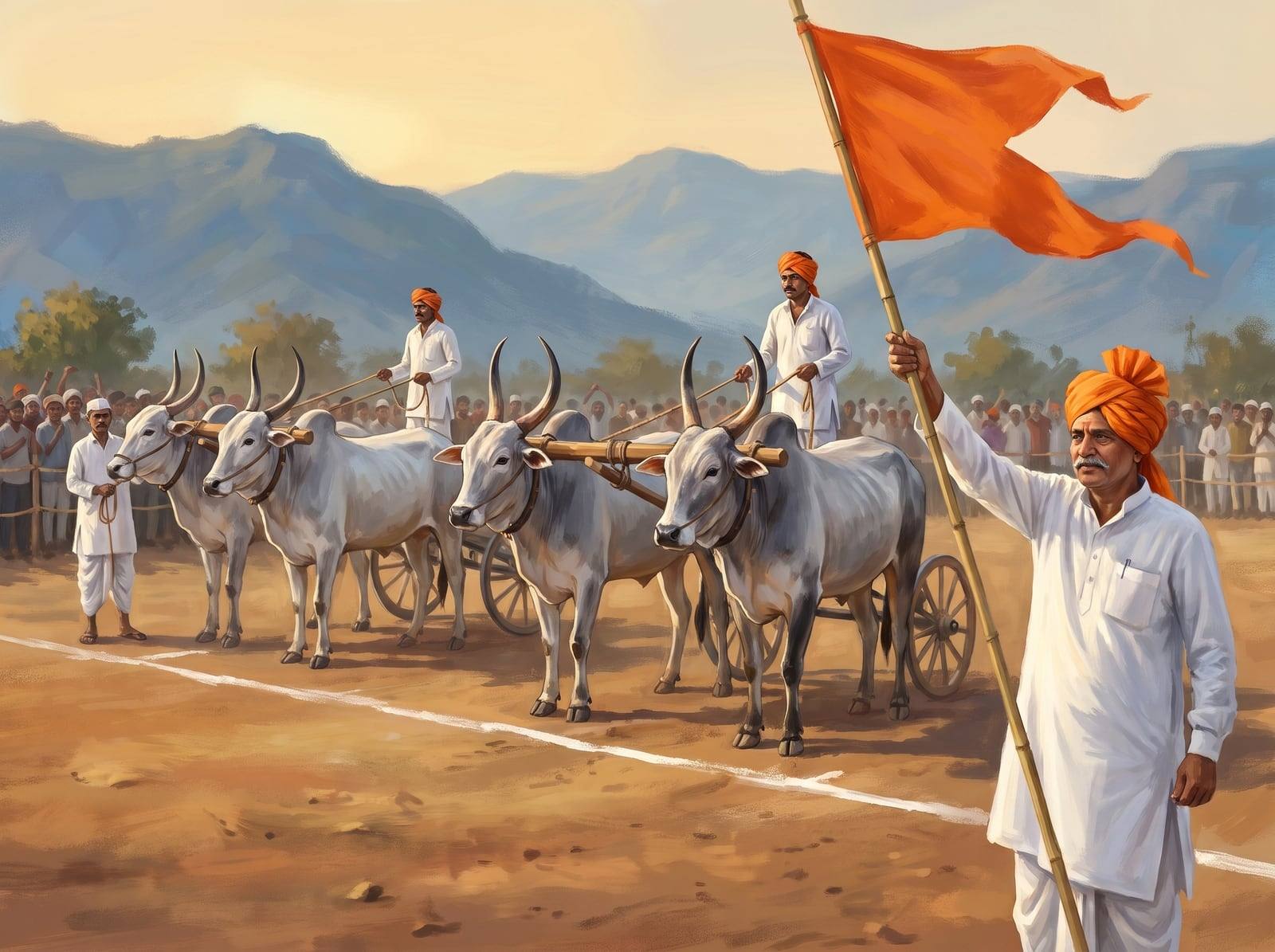
Running a Sharyat, step by step
Apply as an organizer
Open Menu → Organizer. Give your committee or mandal name, race ground and how many years you have organized. An admin reviews every application.
Create the Sharyat
Fill in the date, venue, Sharyat type, tracks, entry fee and prizes. Save a draft and publish when it is ready.
Permission and race officials
A Sharyat is published only with the District Collector’s permission and at least one Zenda panch and one Nikali panch. Only your team and the admins see the permission letter. Others see “Collector permission ✓”.
Registrations and entry fees
Collect the fee in the app through Razorpay, or let owners pay you directly. In that case you also give the refunds of that money. Every pair’s registration and payment shows in one list.
The draw
With one button the app draws the units and lanes. Everyone sees them on the phone at once.
Line-up check
Before every heat the Zenda panch checks each lane: Ready, Absent or Not allowed. If a pair is not there, hold the heat and call it back later.
Results and objections
The Nikali panch enters the result and it is official at once. Owners in the heat can object within 30 minutes. Settle ties and objections in the app.
The Final and prizes
After the Final, the prize for each place shows under the winning pair’s name, and the owners get a notification.
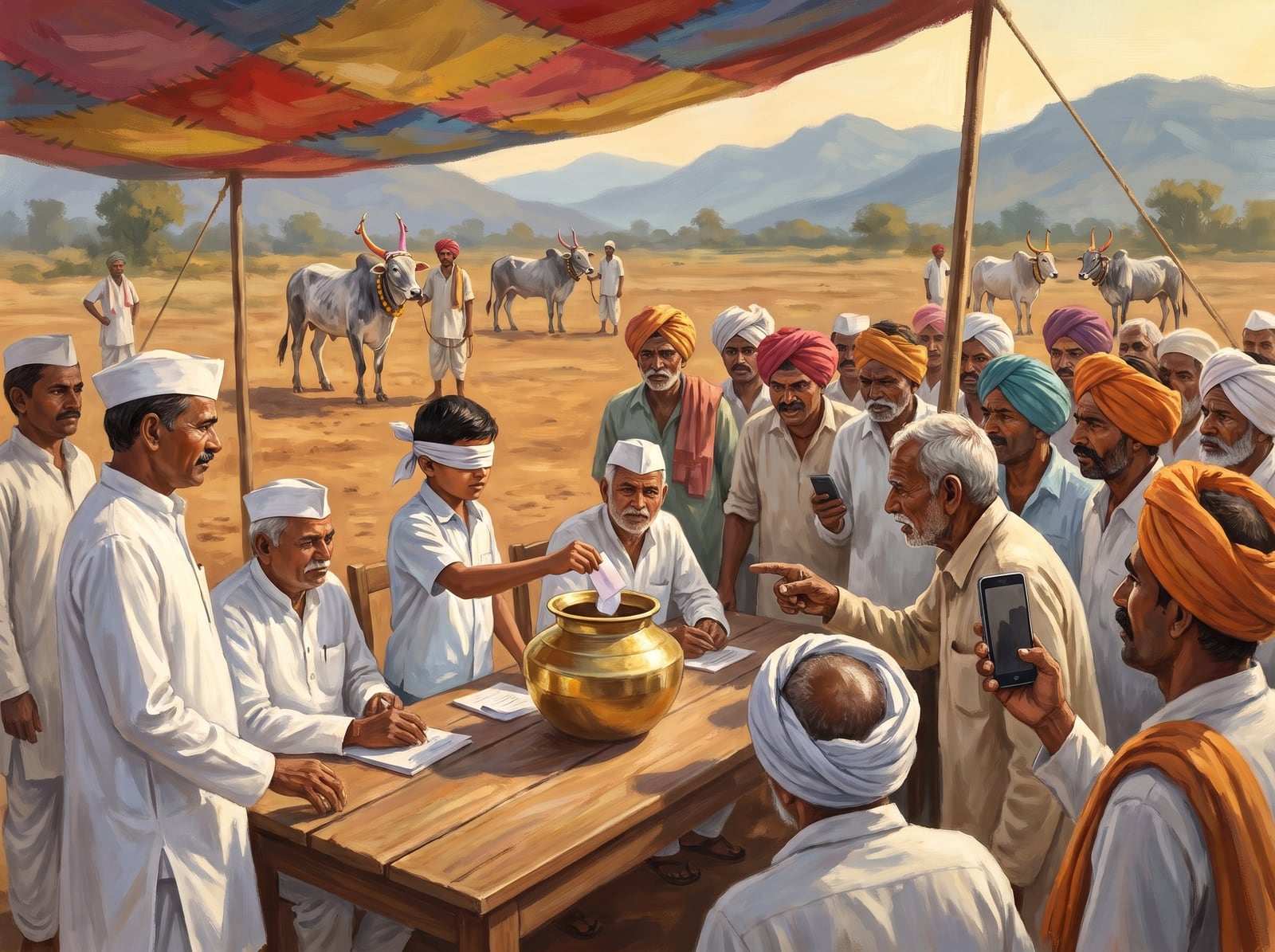
सुट्टी सगळ्यांसमोर,निकाल खरा.
Your team, your panch
Add the Zenda panch, the Nikali panch and co-organizers by mobile number. Each person sees only the buttons for their own job.
When the network is weak at the ground
Line-up marks and results are saved on the phone first. They are sent automatically when the connection is back.